Large Format Printers
Available in the 2351 Fitts-Woolard Hall Computer Lab.
Large format printers are valuable resources for academic and professional projects including research posters, engineering drawings, data visualization, educational infographics and scientific charts and graphs. Please note that these printers are for student use only. For faculty and staff large prints, please contact Wolf Xpress.
2351 Fitts-Woolard Hall Computer Lab Printers
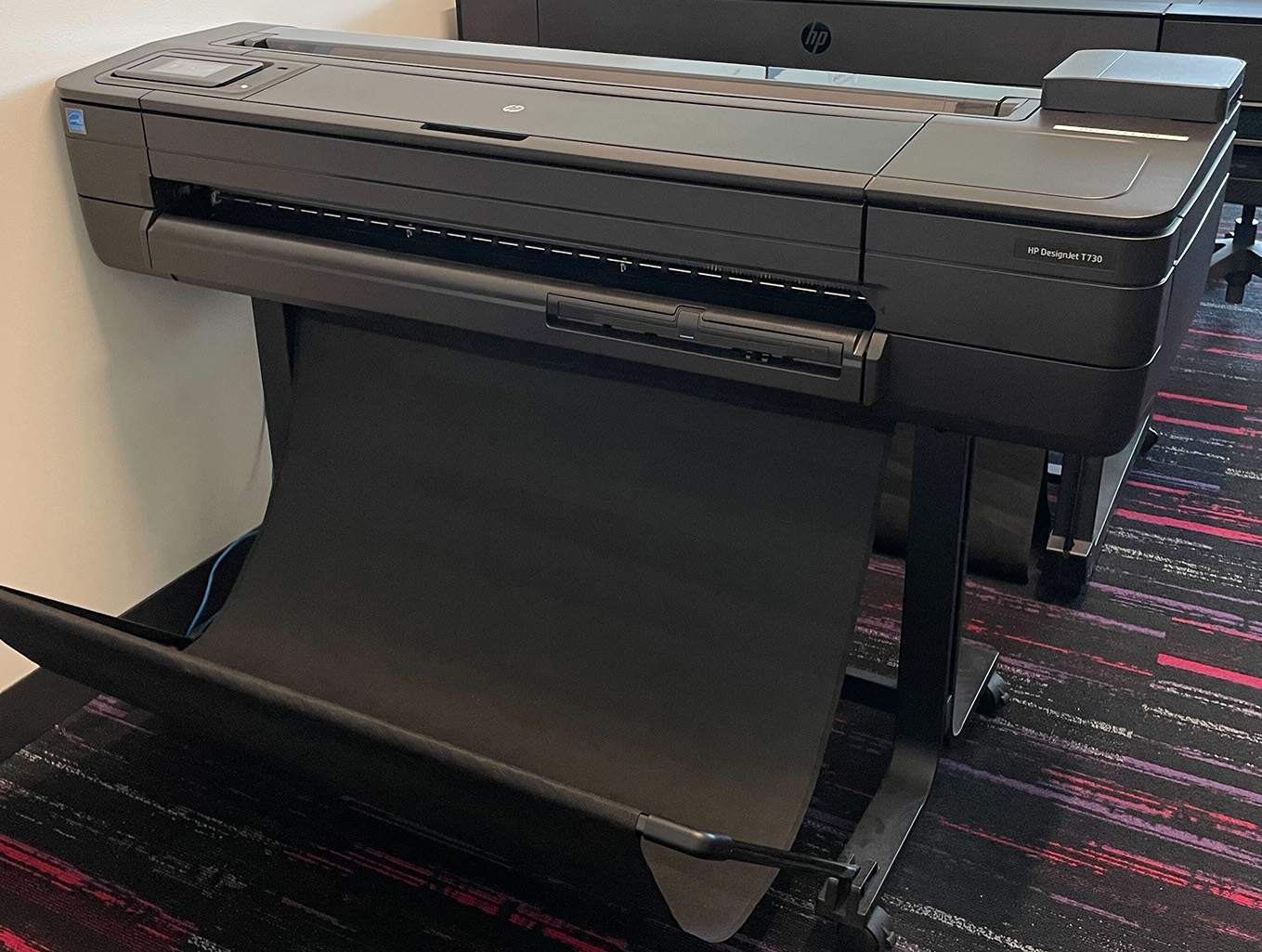
HP Designjet T730 (ITECS-PLT-001)
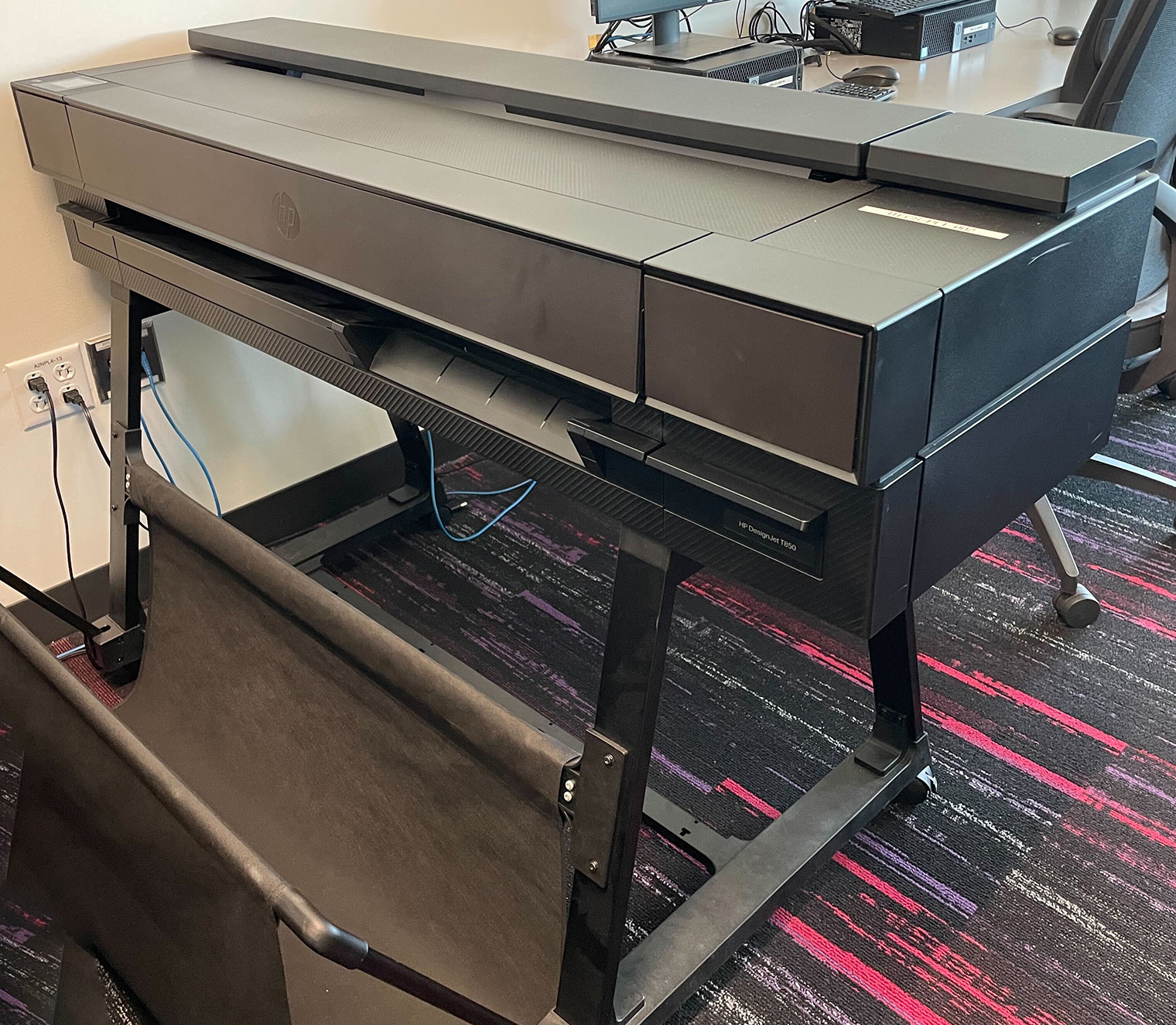
HP Designjet T850 (ITECS-PLT-002)
How to Use the Printing Service in FWH Lab
- Before following the steps in the Knowledge Base article, make sure the poster meets the following requirements:
- Must be saved as a high-resolution PDF format on Google Drive, a USB flash drive or a number of other methods (such as self-emailing) to store the file.
- The maximum width on the printers is 36 inches, but the length is adjustable.
Private CBE Printer
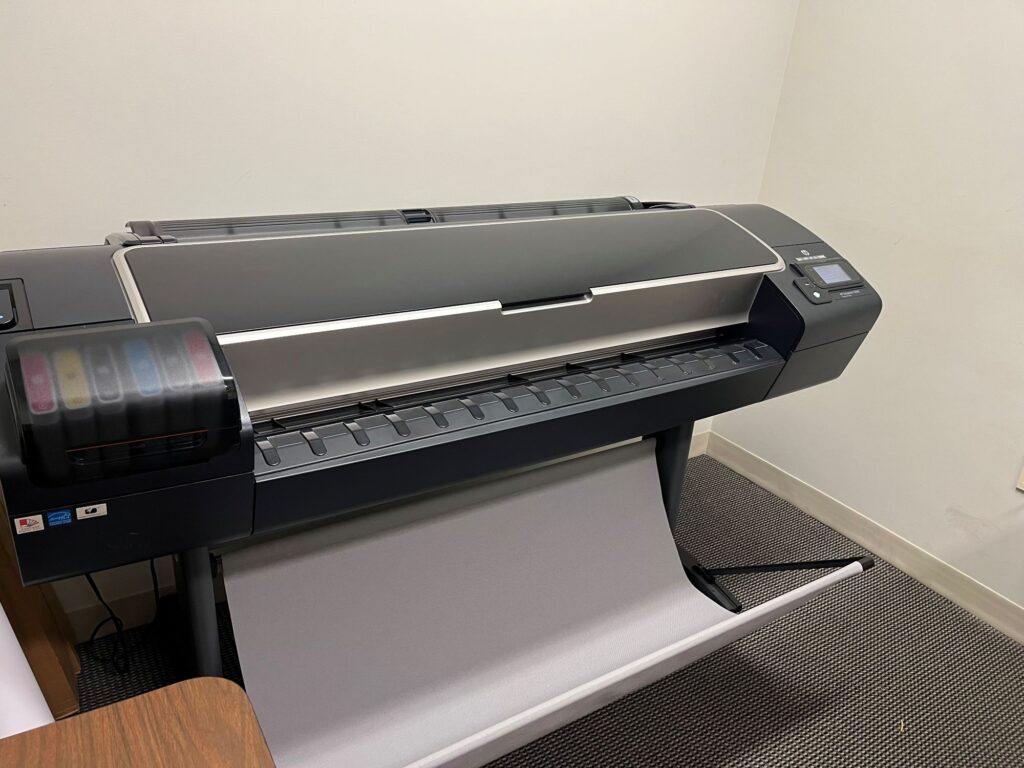
This printer is designated exclusively for the Department of Chemical and Biomolecular Engineering. Appointment scheduling is restricted to authorized faculty, staff and students from CBE – other departments may not book or use this equipment.
How to Setup a CBE Poster Print Appointment
- Email eoshelp@ncsu.edu to schedule a day and time for your appointment with one of our team members.
- Before your appointment, make sure the poster meets the following requirements:
- PDF format on a USB thumb drive.
- One dimension of the poster must be 36 inches or less.
- At the time of your scheduled appointment, we will meet at room 1002 in Engineering Building I to print your poster.